Human or animal?
The first AI project I worked on — a tiny CNN written in MATLAB. It took a scanned page from a rock-art catalogue and guessed, figure by figure, whether each was a person or an animal. Years later I rewrote the training in PyTorch and exported the model to ONNX so it can run here, in your browser, with no server in the loop. Pick an image below, watch the network commit, then walk through it layer by layer.
Pick a test image
Initializingpreview
Warming up the network — about 13 MB of WebAssembly is being fetched. Picking a thumbnail now will queue the classification.
The network, layer by layer
click any block · scroll →Same three convolutional blocks the MATLAB version used — 8 → 16 → 32 filters, each followed by batch-norm and ReLU, max-pool between them. The fully-connected head squashes the 80 000-dim feature vector to two logits, softmax decides.
Waiting for the model to finish loading.
The model
Three convolutional blocks (8 → 16 → 32 filters), each followed by batch normalization and ReLU, with max-pooling between them. A single fully-connected layer maps the 80 000-dim flattened feature map to two logits, then softmax. SGD with momentum, ten epochs, ≈94% validation accuracy on a held-out split — close to the 90% the original MATLAB version reached.
The data
196 grayscale figures (98 humans, 98 animals), all extracted from scanned plates of a rock-art catalogue. The ten images in the picker are unseen — carved out of the pool before training so the model has never met them.
Building the training set
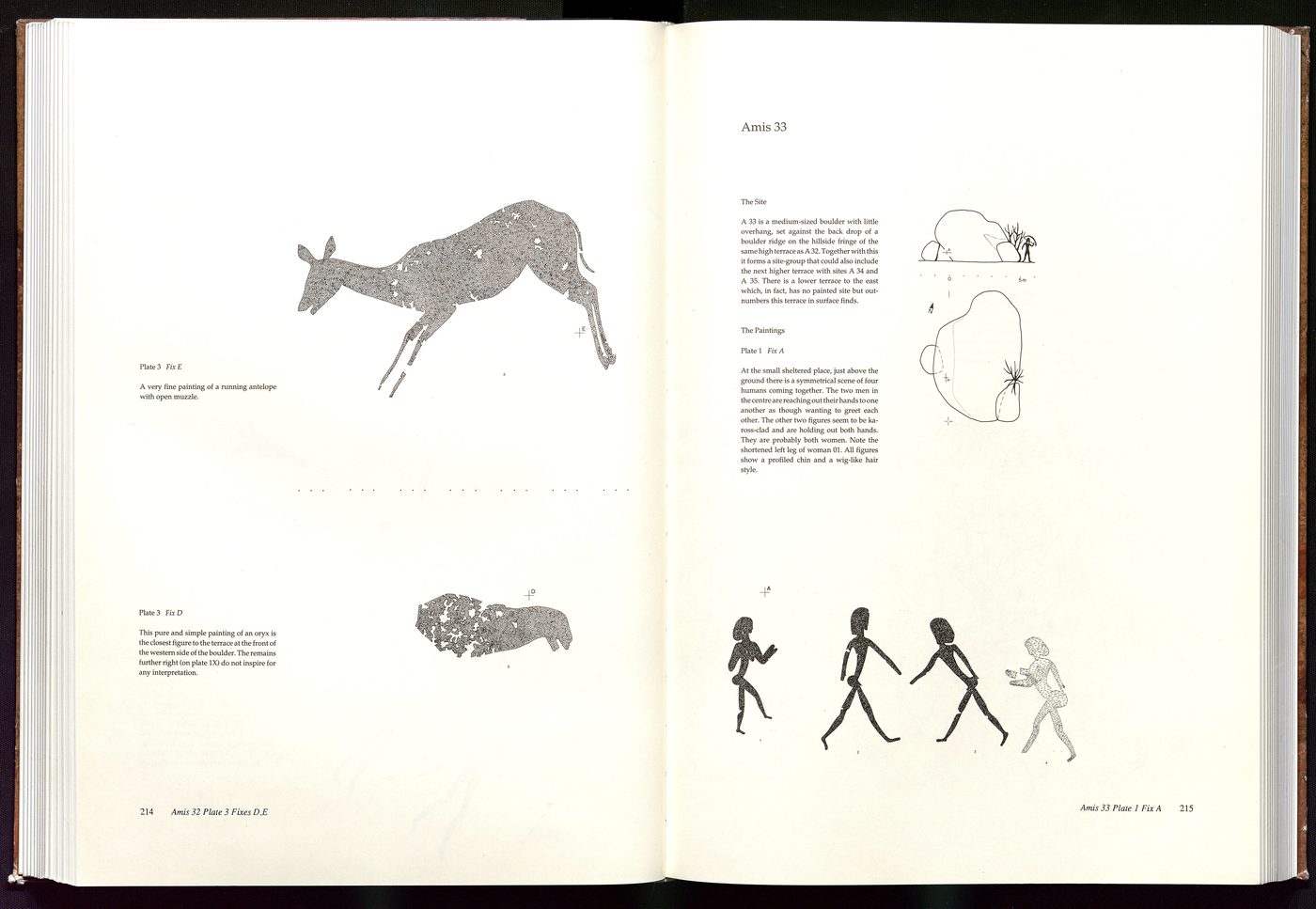
The raw inputs were two-page spreads from a rock-art catalogue — line and stipple drawings of figures from sites in southern Africa, several per page. The MATLAB script Bilder_skalieren.m turned each scan into a pile of clean 200×200 crops in six steps. Every image below is what the script actually produced on one sample page.
- 01
Read the scan
A two-page spread, straight off the scanner. RGB, several figures and a lot of text.
- 02
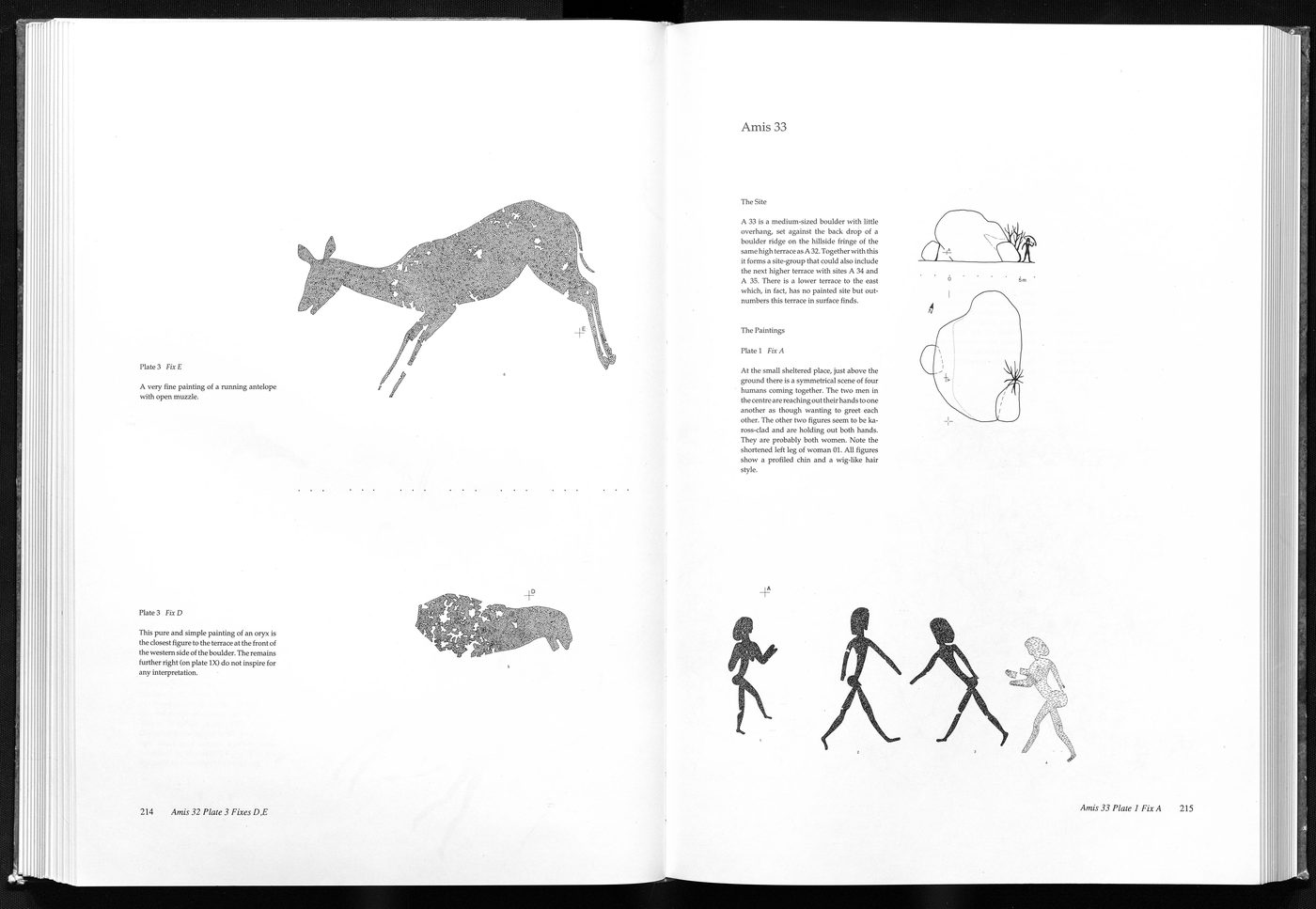
Convert to grayscale
Color isn't useful here — the figures are ink on paper.
- 03
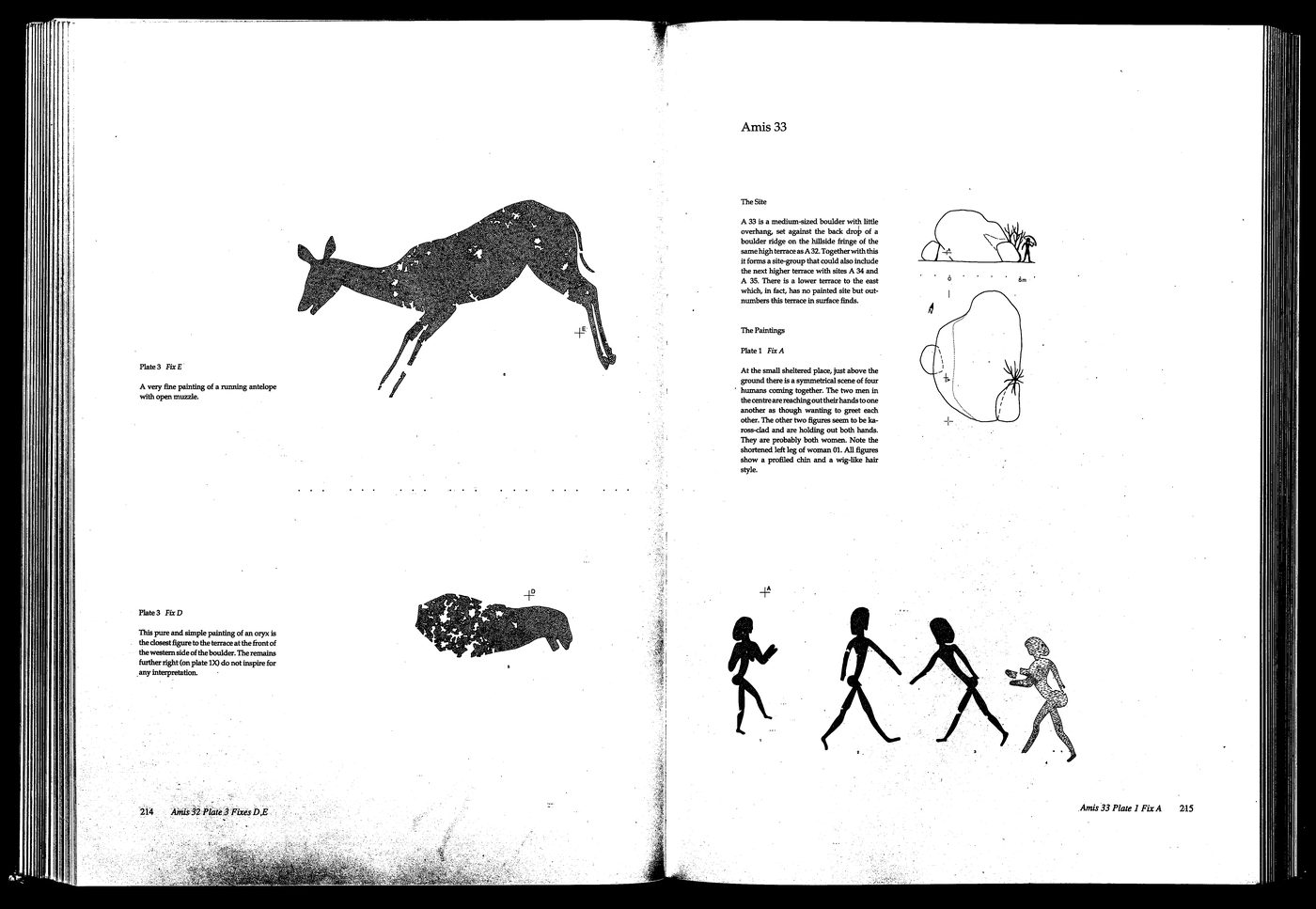
Threshold the page
Anything darker than ~240/255 becomes a figure, everything else snaps to white. The page disappears.
- 04
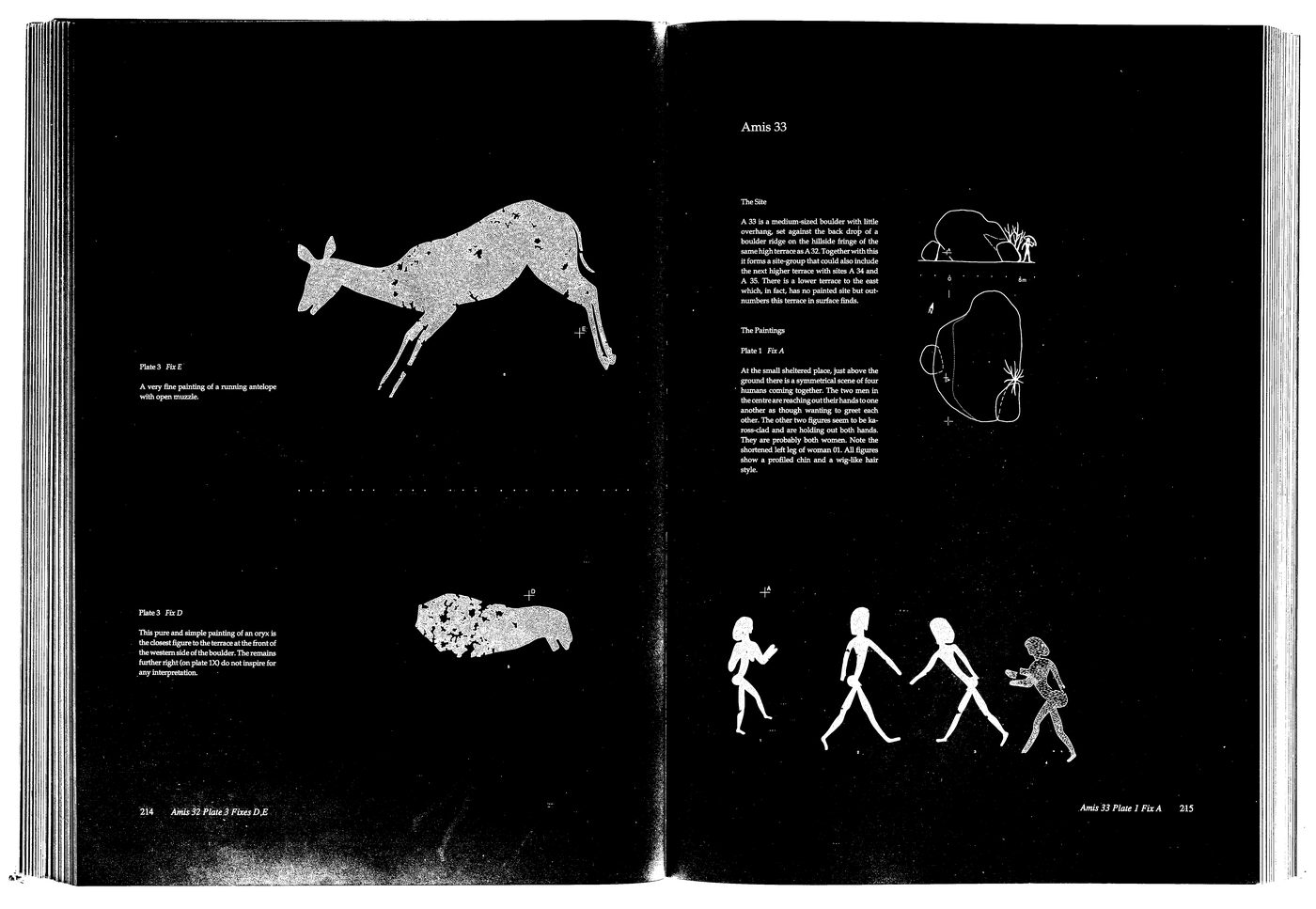
Invert
Figures become white blobs on black — exactly the shape regionprops wants to see.
- 05
Find and filter regions
regionprops pulls every connected white blob; the size filter keeps only the ones large enough to be a figure (height 200–2000 px, width ≥150). Orange boxes survived; the faint grey boxes were rejected as text, page numbers or stray ink.
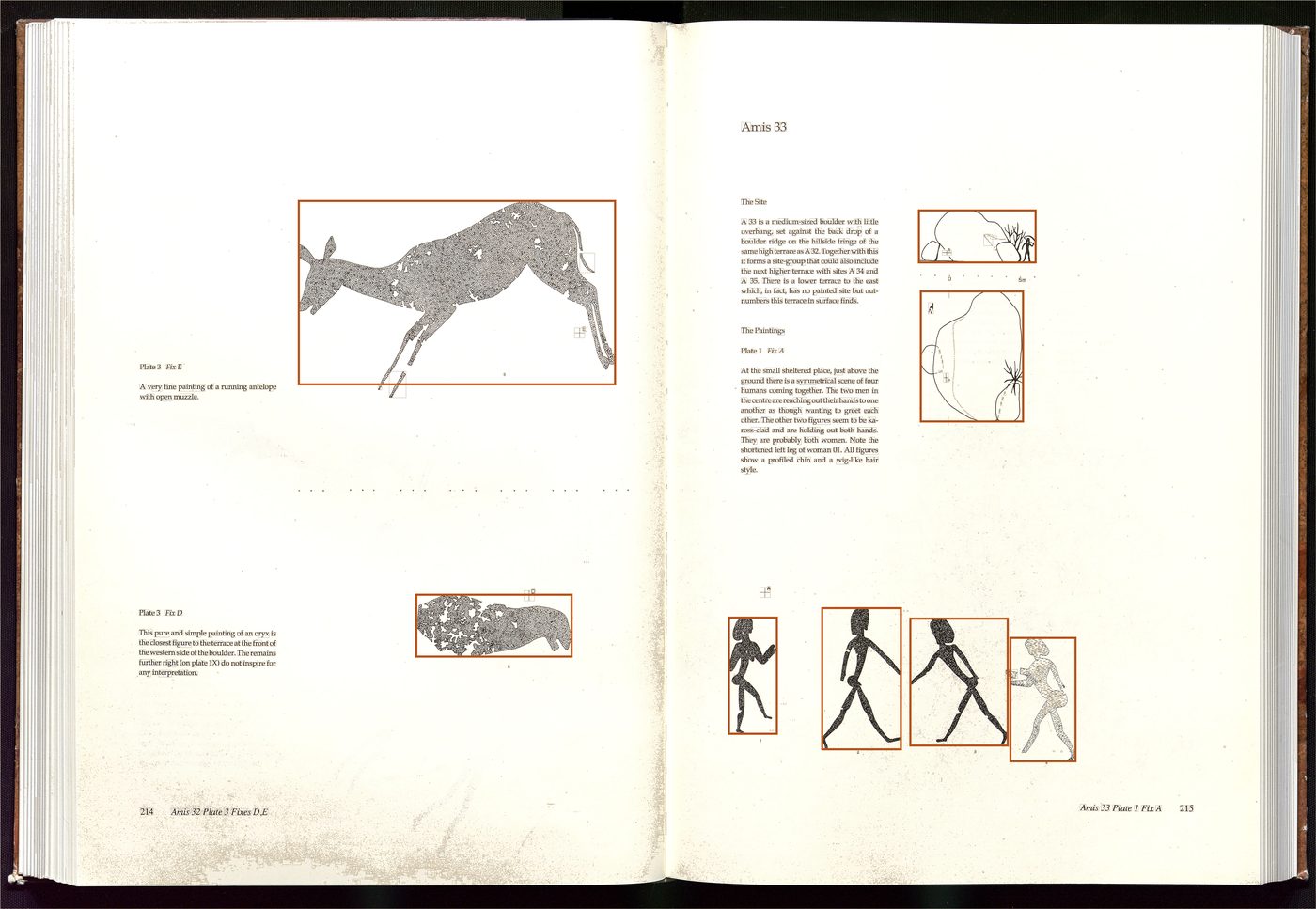
Resize, invert, save
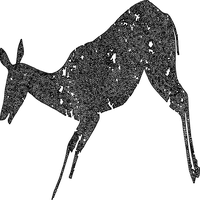
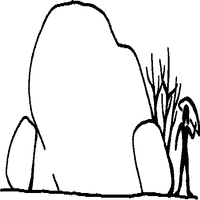
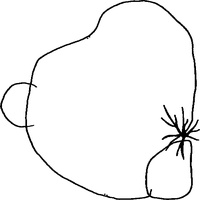
Each surviving figure is resized to 200×200, inverted back so the figure reads dark on light, and saved as a PNG. From this one spread, eight crops came out:
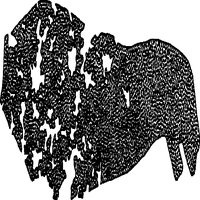
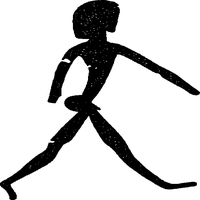
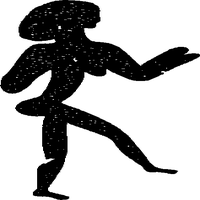
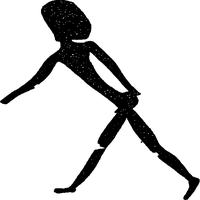
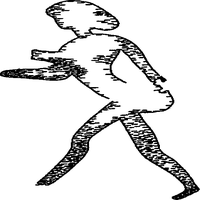
Then, by hand
The script could find figures, but it had no idea what they were. So I went through the resulting pile of crops one by one and dropped each into a human/ or animal/ folder. That manual sort is the label.
Crops that belonged to neither — the small site sketches above, decorative borders, stray ink — were simply dropped. After ~200 pages, 98 humans and 98 animals were left. The model only ever sees the crops, each tagged by whichever folder I put it in.
Why it's here
Mostly nostalgia. The MATLAB version came as a Windows/Mac installer; you had to download, unzip and launch it. Putting the same network on the web — same architecture, same training set, same prediction — and being able to peek inside each layer felt like the right way to start the projects section.